
Frequently asked questions
Everything you want to know about Digitaste
From GKS 2.0 to ordering kiosks and online ordering: here you will find the answers to the questions hospitality entrepreneurs ask us most often.
About Digitaste
What is Digitaste?
Digitaste is a Belgian POS system and hospitality platform. Till, ordering kiosks, online ordering, QR ordering at the table, handhelds, kitchen screens, order status screens, menu screens, reservations and a loyalty system all work together in one system.
Everything you sell, through whichever channel, comes together in the same till and the same back office. You change a product or price once and it is correct everywhere.
View our solutionsWhere is Digitaste based?
Digitaste BV is a Belgian company with an office and showroom at Wiedauwkaai 25 in 9000 Ghent. You can drop by to try the tills, ordering kiosks and screens yourself.
Digitaste works for hospitality businesses all over Belgium, in Flanders as well as in Brussels and Wallonia.
Contact and addressWhich hospitality businesses is Digitaste suitable for?
Digitaste works for chip shops and snack bars, restaurants and brasseries, sandwich shops and lunch bars, bakeries and patisseries, cafés and bars, pizzerias, burger places, food trucks, leisure and events, and fast food chains.
The system adapts to how your business runs: table service, counter, takeaway, delivery or self-service with an ordering kiosk.
View all sectorsWhat is the best POS system for a chip shop in Belgium?
A chip shop needs more than just a till. Digitaste is a complete solution for the chip shop: a GKS 2.0-compliant POS system, your own website with a commission-free webshop, a self-order kiosk, menu screens and kitchen screens. Everything you need in a chip shop, in one system that works together.
You're not tied to a stranglehold contract and you pay fair rates. New features and updates are always included, and you choose your own payment terminal.
Because we bring everything together, you have one point of contact you can always turn to: for your till, your webshop and your screens.
POS system for chip shops and snack barsWhat is the best POS system for a restaurant in Belgium?
For a restaurant, smooth table service is what matters most. With Digitaste your staff take orders on a handheld, which go straight to the kitchen and bar. Guests can also order and pay themselves via a QR code on the table.
You connect the reservation system, the payment terminal and your accounting to the same till. Digitaste is GKS 2.0 compliant.
POS system for restaurantsIs Digitaste suitable for chains with multiple locations?
Yes. With Digitaste you manage multiple locations from one account. What needs to differ per location, you set per location; the rest you manage centrally.
You see the figures per business and for all businesses together. That way the system grows with you, from one till to a chain.
POS system for fast food chainsPOS system and GKS 2.0
Is Digitaste GKS 2.0 compliant?
Yes. The Digitaste POS system is GKS 2.0 compliant and meets the legal requirements of the Belgian government for the registered cash register system, also known as the white till.
Digitaste works with the new Fiscal Data Module (FDM 2.0), so every VAT receipt is registered correctly and securely.
More about our POS systemWhat is GKS 2.0?
GKS 2.0 is the Belgian standard for the registered cash register system in hospitality. A secure digital copy of every VAT receipt is kept, and the new Fiscal Data Module (FDM) is directly connected to the FPS Finance.
Digitaste is GKS 2.0 compliant, so your business registers according to the applicable rules.
Who has to use a registered cash register system in Belgium?
The obligation applies to hospitality businesses with more than 25,000 euros in annual turnover from restaurant and catering services. Drinks and takeaway meals do not count towards this.
When you have to switch to GKS 2.0 depends on the purchase date of your current till. If in doubt, Digitaste will look at it together with you; the official information is on geregistreerdkassasysteem.be.
Does Digitaste work in the cloud?
Yes. Digitaste is a cloud-based POS system with FDM 2.0 certification. You follow your sales, change your menu and view your reports from anywhere, even when you are not at your business.
Which devices does the Digitaste POS run on?
The Digitaste POS system works on Android, Windows and Apple devices.
Existing hardware can often be reused. We look at that together first, as it depends on the age and type of device.
Can I keep using my existing till or hardware?
In many cases, yes. Digitaste works as hardware-independently as possible, so existing devices can often be reused.
Whether that works depends on the age and type of device. For maximum stability and support, we often suggest our own tested hardware.
Ordering kiosks and online ordering
What is an ordering kiosk and what does it bring?
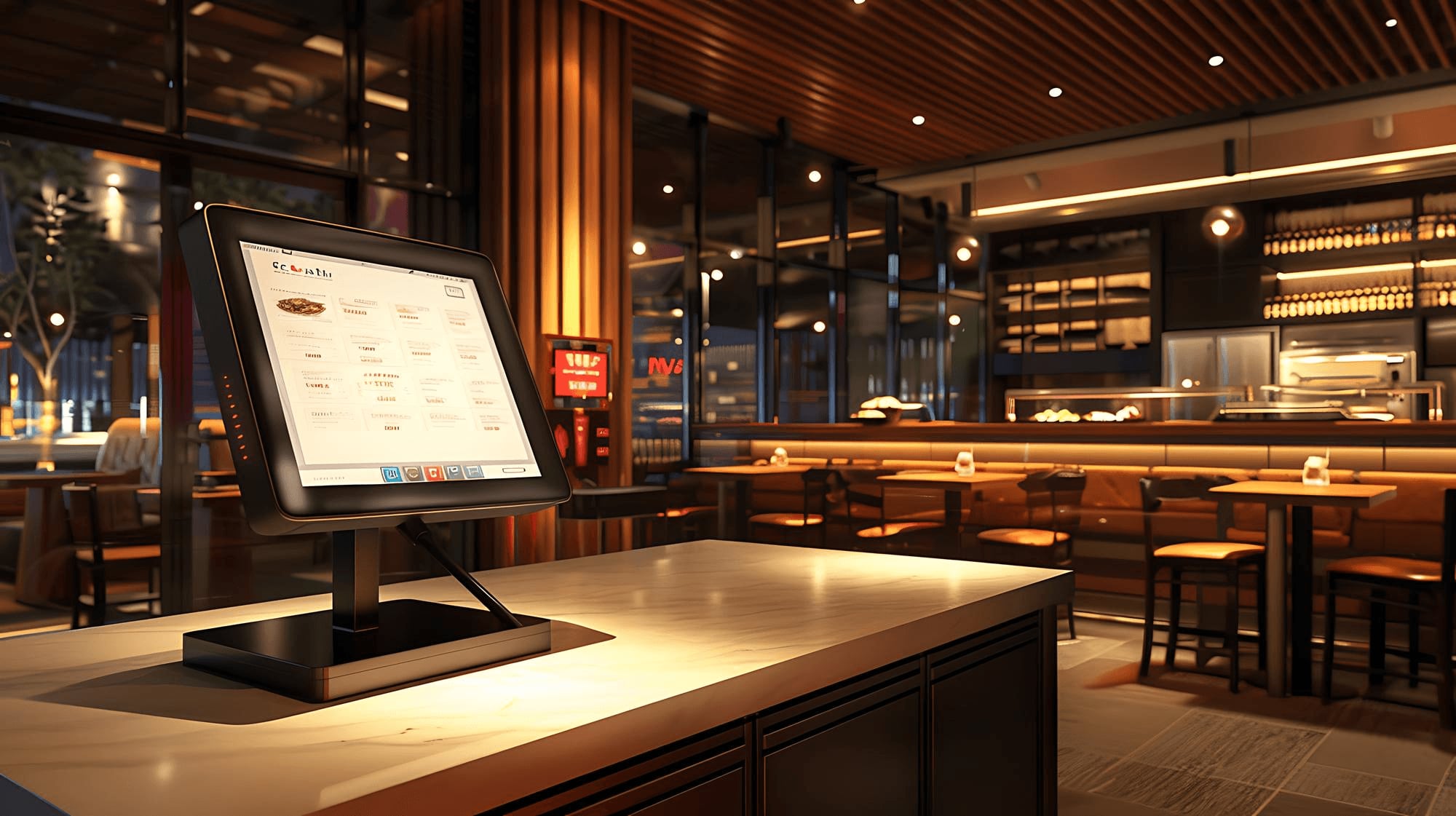
An ordering kiosk is a screen on which customers put together and pay for their own order. At Digitaste the kiosk is connected directly to the till and the kitchen screen.
Customers order without queuing at the counter, your staff have their hands free for the kitchen, and extras or meals are chosen more often. That raises the average order and lowers the workload.
More about ordering kiosksCan customers also pay at the Digitaste ordering kiosk?
Yes. At the Digitaste ordering kiosk, customers pay straight away with the payment terminal connected to it. The amount goes to the terminal automatically, the payment is in the till immediately and the order goes straight to the kitchen.
Can I have my own commission-free webshop with Digitaste?
Yes. With the Digitaste online ordering system, customers order via your own website or ordering page and pay online. You pay no commission per order, unlike with the big delivery platforms.
Online orders arrive automatically in your till and on your kitchen screen, just like orders at the counter.
More about online orderingDoes Digitaste integrate with Takeaway.com, Deliveroo and Uber Eats?
Yes. Digitaste integrates with Takeaway.com, Deliveroo and Uber Eats. Orders from those platforms appear directly in your till and on your kitchen screen without retyping.
View all integrationsHow does ordering with a QR code at the table work?
Guests scan the QR code on their table, open the digital menu on their smartphone and order and pay whenever they want. With Digitaste the order goes into the till and to the kitchen automatically, with the right table number.
More about QR orderingCan my staff take orders at the table with a handheld?
Yes. With a Digitaste handheld your staff take the order at the table. It goes straight to the kitchen, bar and till, and your guest can pay at the table.
More about handheldsKitchen and screens
What does a kitchen screen do in hospitality?
A kitchen screen replaces paper tickets in the kitchen. With Digitaste every order, from till, kiosk, QR or webshop, appears on the screen immediately. Your team sees what needs to be made, what is in preparation and what is finished.
You can also decide which products go to which station or printer, so each station only sees what it needs to make.
More about kitchen screensWhat is an order status screen?
An order status screen shows your customers which orders are being prepared and which are ready for pickup. With Digitaste it works together with the kitchen screen: when an order is ready, its number appears on the order status screen. Less shouting, more overview.
More about the order status screenPayments and integrations
Which payment terminals does Digitaste work with?
Digitaste integrates with payment terminals from CCV, Viva.com and Payworld, among others, and supports Bancontact Pay. The amount goes from the till to the terminal automatically, so nobody has to retype anything.
View all payment integrationsWhich online payment providers does Digitaste support?
For online orders, Digitaste works with MultiSafepay, Mollie and Pay, among others. Customers pay with the method they know, such as Bancontact, and you follow up every payment from Digitaste.
Does Digitaste integrate with my accounting?
Yes. Digitaste integrates with Scrada, Billit and Yuki. Your daily takings go to your accounting automatically, so your accountant always works with the right figures.
Through Scrada you can also send invoices from Digitaste over Peppol, straight from the VAT receipt of an order.
View the accounting integrationsCan Digitaste send invoices via Peppol?
Yes. If a customer asks for an invoice for an order placed through Digitaste, you create it from the VAT receipt and send it over Peppol through the Scrada integration.
Does Digitaste work with cash machines?
Yes. Digitaste integrates with cash machines from CashDro, AT-CASH, Cashmatic and Antenor. The amount goes from the till to the machine automatically, which accepts the cash and returns the change.
What other integrations does Digitaste have?
Digitaste also integrates with Google Reservations, Google Maps, Google Analytics and Google Tag Manager, with scales, barcode scanners and label printers, with an SMS module, with UniFi for guest wifi and with Bicky for official Bicky partners.
Missing an integration? Let us know. We are happy to look at what is possible.
View all integrationsPricing and contract
How much does a Digitaste POS system cost?
The price depends on what your business needs: the number of tills, kiosks and screens, and whether you want online ordering, QR ordering or reservations. You buy the hardware once and pay for the software monthly.
With the price simulator on the Digitaste website, you put together your system in a few steps and get a price indication straight away.
Calculate your priceAre installation and training included?
Digitaste installs your system on site and trains your team. The installation is a fixed amount in your quote and covers delivery, setup and basic training.
Can I see Digitaste before I decide?
Yes. You book a demo, online or in the Digitaste showroom in Ghent. There you see and test the till, kiosk and screens as they would work in your business.
Book a demoGetting started and support
How quickly can I start with Digitaste?
Activating a module takes a few minutes. On average the full start-up takes around three to four weeks, so everything is prepared and installed correctly. With a basic installation you are often up and running within one to two days.
The timing mainly depends on how quickly your products are set up and when the installation can be scheduled.
How do I switch from another POS system to Digitaste?
Your Digitaste advisor first goes through your current setup: which devices you have, what you can keep and when you need to switch for GKS 2.0. Then we set everything up for you: your menu, products, prices and devices. That way your system is practically ready to use when it arrives, and we schedule the installation at a quiet moment.
Contact usCan I adapt Digitaste to my business?
Yes. With Digitaste you adapt menus, products, options, screen layouts, kiosks and online orders to the way your business works.
If you want to go further, you switch on extensions such as advanced printer routing, custom kitchen flows, custom preparation tickets and advanced time slots.
View the extensionsHow do I reach Digitaste support?
Digitaste support is available 24/7, 7 days a week, including evenings, weekends and public holidays. Call or WhatsApp our main number +32 9 395 18 12, or email support@digitaste.be.
In the evenings, at weekends and on public holidays we help you based on urgency. With remote assistance, a team member can look along on your device.
Contact detailsIs your question not listed?
Feel free to call or email us. An advisor will look at what your business needs together with you.